Move & express
Walk, choose poses and actions, and explore animations from the dashboard. Emotions combine movement and sound.
CASE FILE / ROBOTICS / MK5
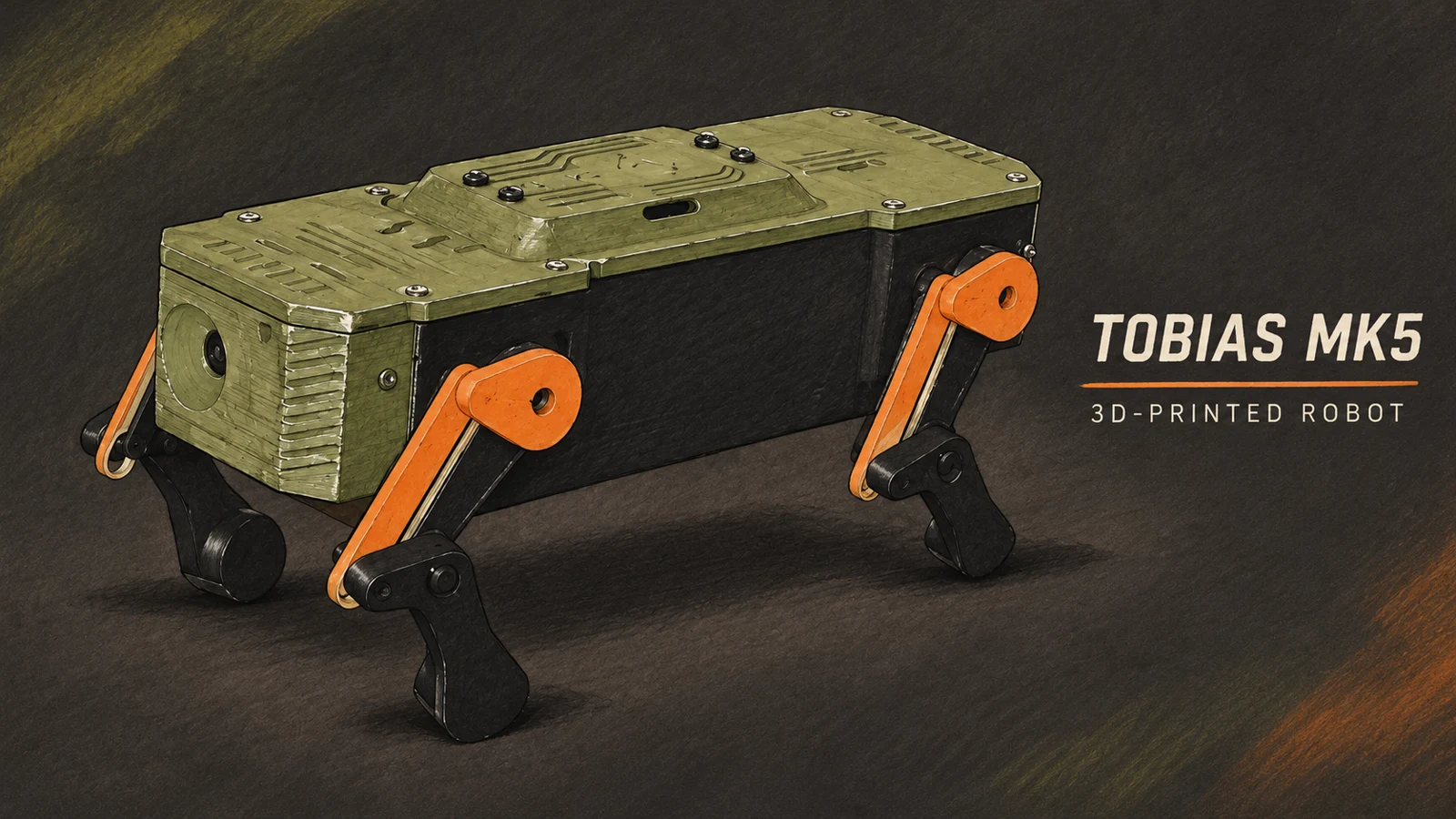
Print a robot.
Give it a personality.
A four-legged ESP32 robot with a live camera, expressive movements and robot sounds. Built on your workbench. Controlled from your browser.
PRINTED · ASSEMBLED · TESTED BY THE DESIGNER
01 / FROM THE WORKBENCH
From the printed parts to the first walking test: the complete video covers assembly, electronics and the dashboard in action. English on-screen explanations, with an original project soundtrack.
02 / A LITTLE PERSONALITY
Walk, choose poses and actions, and explore animations from the dashboard. Emotions combine movement and sound.
A live ESP32-CAM view, lighting controls and playful robot sounds bring the build to life.
Run the dashboard on a computer, then open it from a phone on the same network. Computer keyboard shortcuts are available too.
Explore both firmware builds and the dashboard on GitHub. Choose your print colors and learn how the mechanism works.
03 / INSIDE TOBIAS
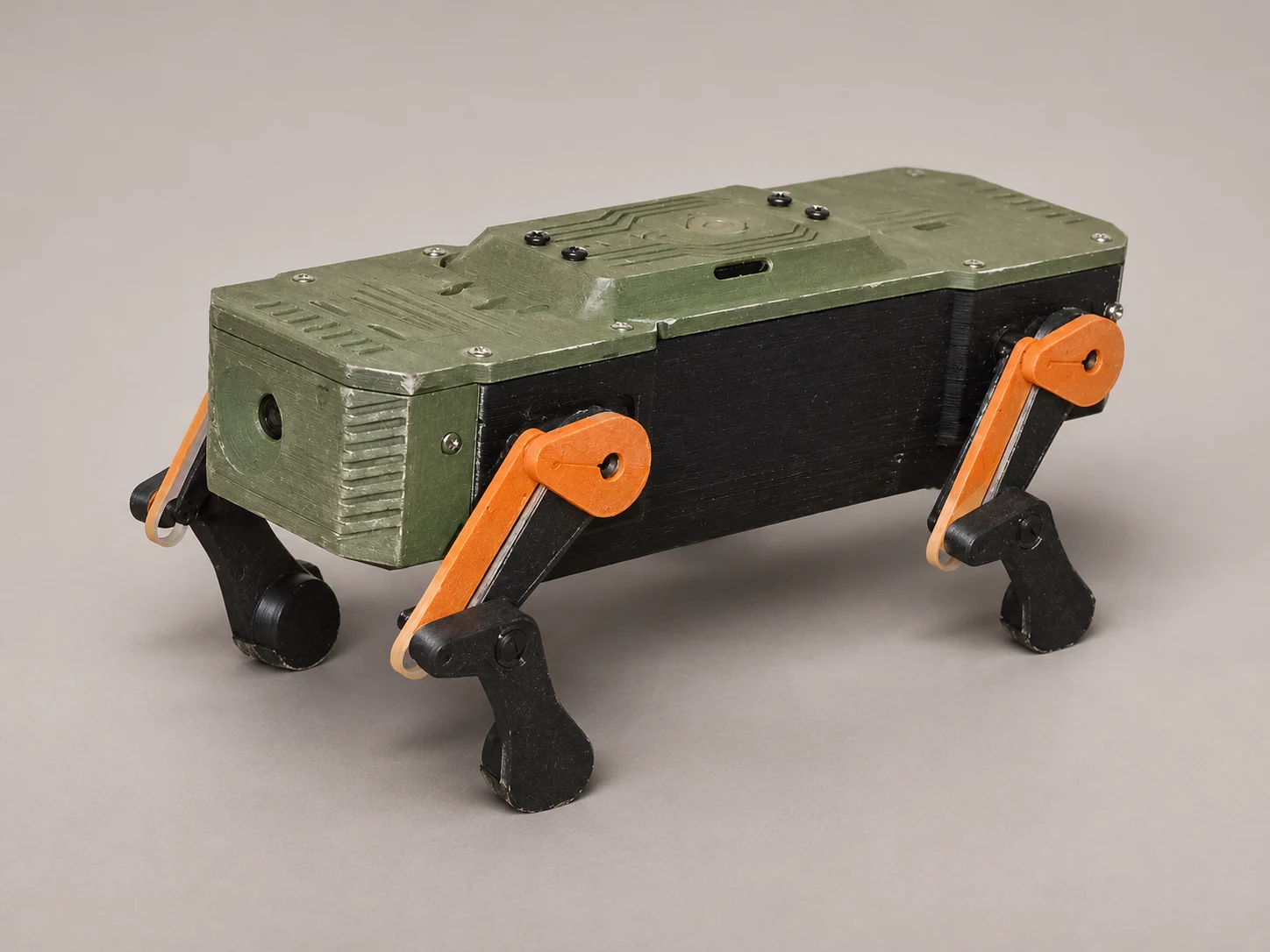
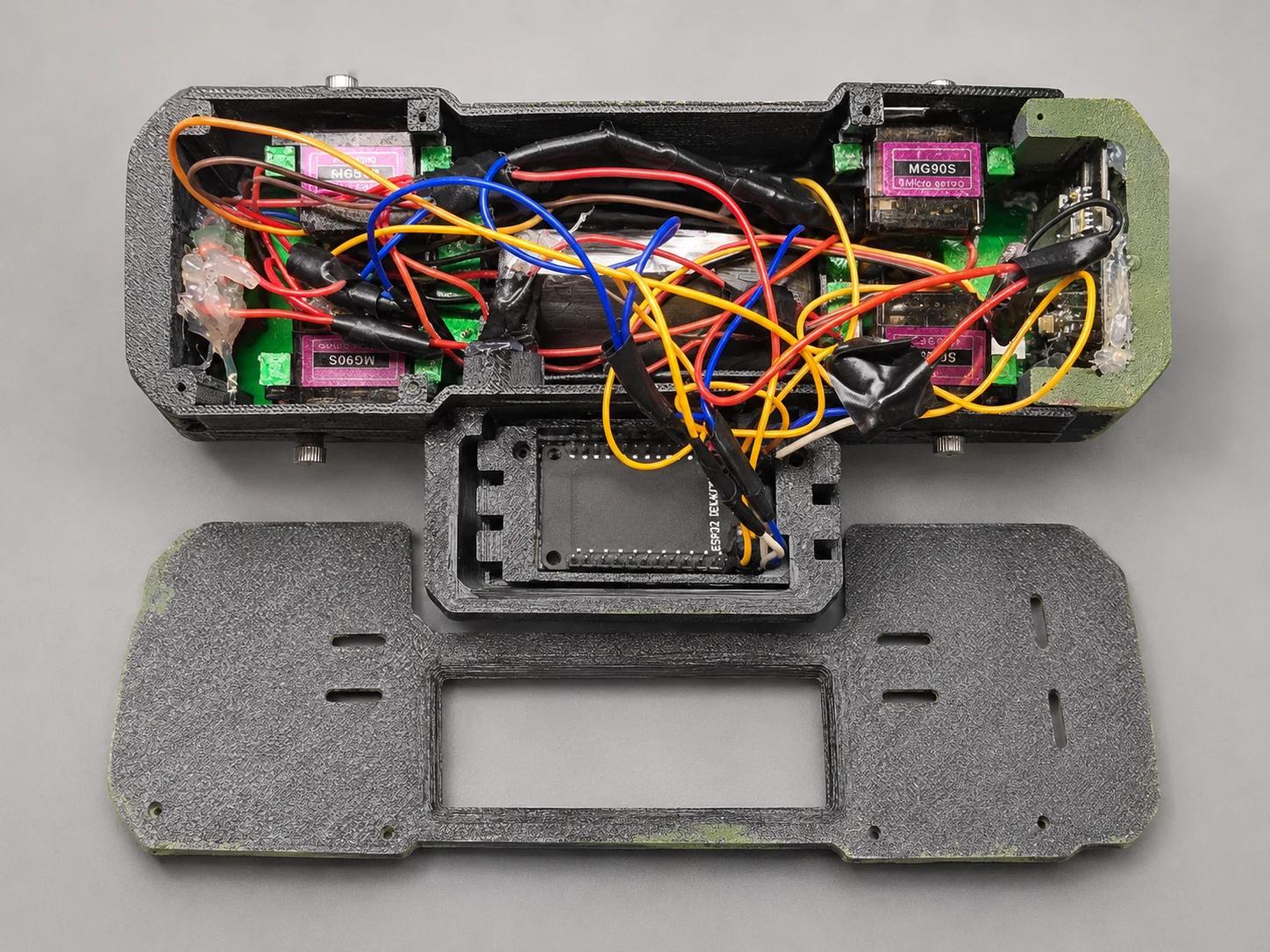
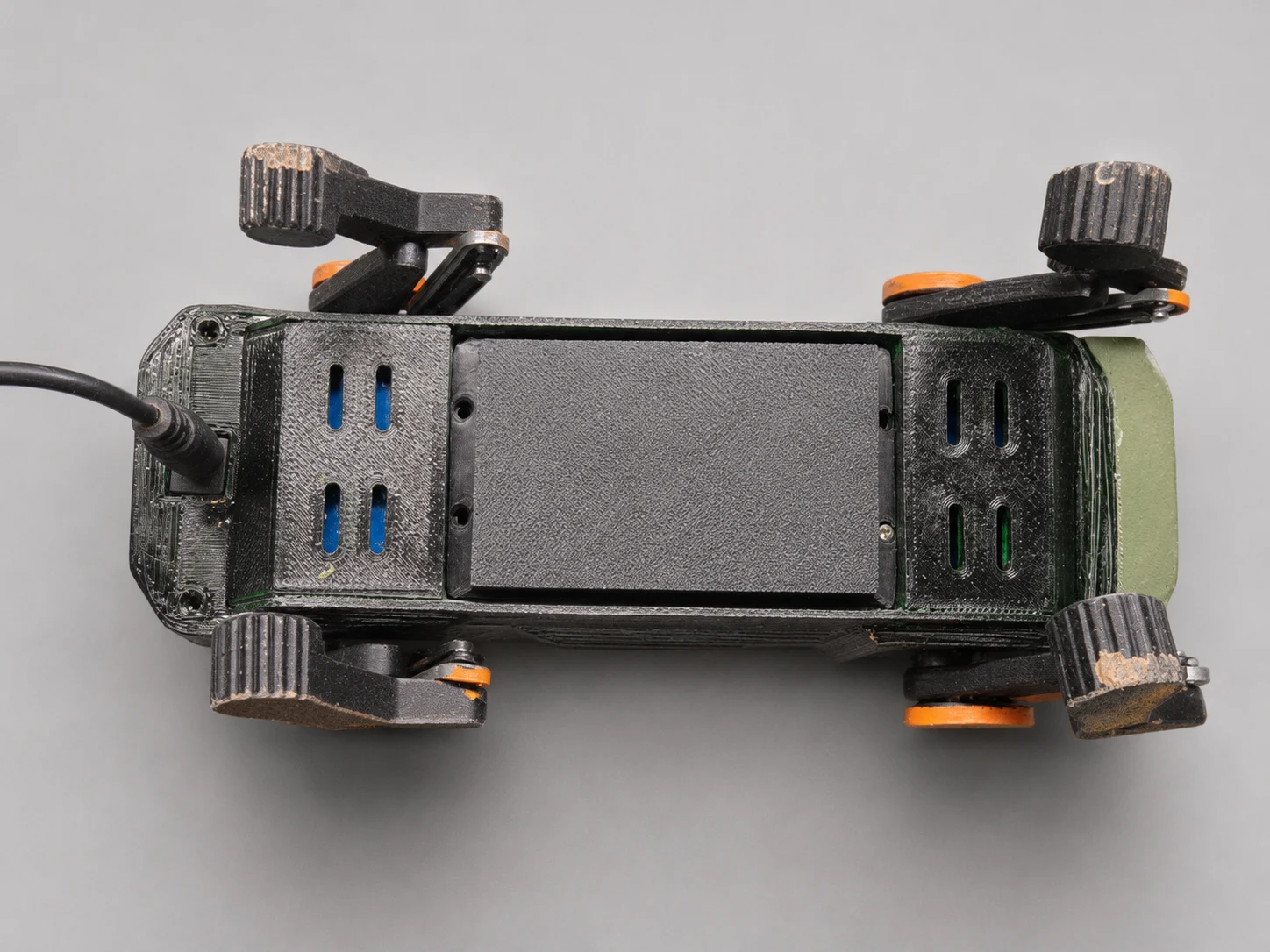
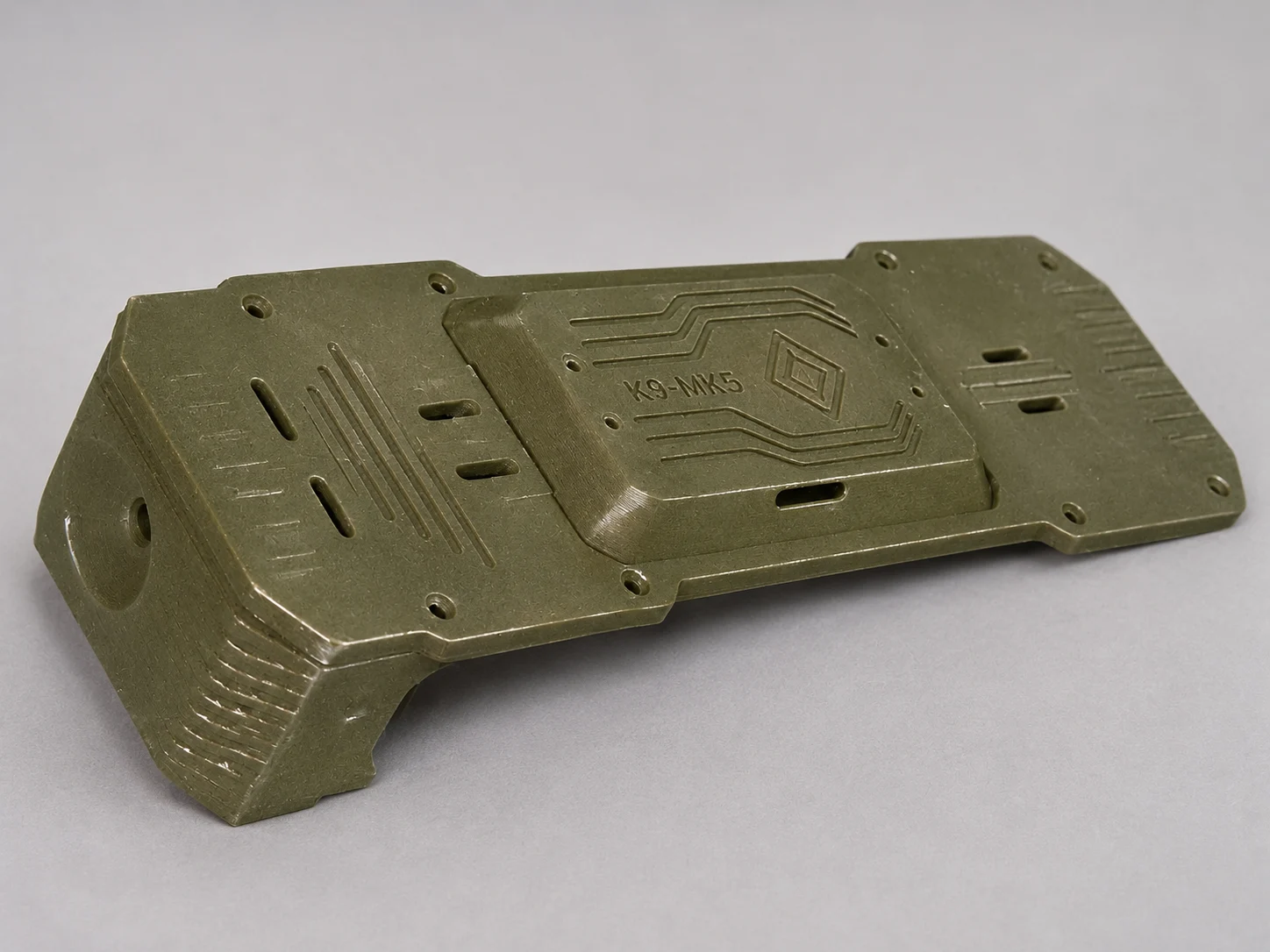
Studio-edited project photographs. See the video for the robot in use.
04 / YOUR NEXT WORKBENCH PROJECT
This is a hands-on electronics project: printing, mechanical assembly, wiring, soldering, firmware installation and servo alignment. Start with the guides before ordering hardware.
The validated MK5 build has 9 body parts and 16 leg parts. The Bambu A1 project uses six plates, a 0.4 mm nozzle, PLA, 0.2 mm layers, 4 walls and 35% infill.
Black legs and side panels, olive green covers and orange shoulders and struts. The struts are single pieces, without separate white inserts.
DOWNLOAD STLS & A1 PROFILE ↗The complete Tobias MK5 listing is now available on MakerWorld, with 25 STL parts, the six-plate Bambu A1 profile and build documentation.
Use the servo screws supplied with the servos. M2 × 4, 6 and 8 mm body screws are selection references; check depth at each joint.
Use regulated power within each component’s specification and a common ground. Do not connect MG90S servos directly to a 2S battery. A BMS does not replace a suitable charger.
Two boards, two firmware builds. Initial installation uses USB; the boards use 2.4 GHz Wi-Fi. Follow the board-specific instructions in the repository, and align the servos before attaching the leg cranks.
05 / INTERACTIVE 3D
Move the slider to separate the parts, then bring them back together. Rotate and zoom to explore the electronics inside.
Drag to rotate. Scroll or pinch to zoom. The slider also works with your keyboard.
Visualization from the Blender assembly, with wiring and cable ties hidden for clarity. Electronic parts include reference representations; use the wiring diagram for actual connections.
AI CONTROL / WORK IN PROGRESS
I am developing AI-assisted control to give Tobias more personality and richer interactions. The current build already has browser controls, camera video, sounds and scripted emotions; autonomous behavior is an ongoing research direction, not a finished feature.
Contributions are welcome in behavior design, vision, voice, dashboard UX and reliable motion control. Start with the AI roadmap and contribution guide, propose a focused change and describe how you tested it.
07 / MADE TO BE EXPLORED
Making your own Tobias? Share your colors, your setup and what you learned. Feedback helps improve the guides, firmware and the next build.
Inspired by miniRobo K9V2.1. Tobias MK5 modifications and integration by Lizard Wizard. Software and third-party terms are documented in the repository. Print files have their own listing license.